
Dear users,
We would like to inform you that Readiris 17 has been updated to Readiris 17.3.
What's new :
- NEW Improved OCR Engine
- Improved stability
- Major improvement in Arabic recognition
- Thai and Vietnamese languages are now available for recognition
- Minor bug fixing
How to install it:
- Open Readiris
- Go to the "Help" tab
- Click on "Check for Update".
- Readiris will download and install the software update for you.
How to check if you have the latest Readiris 17 update:
- Open Readiris
- Go to the "Help" tab
- Click on "About Readiris"
- The popup window should looks like this:
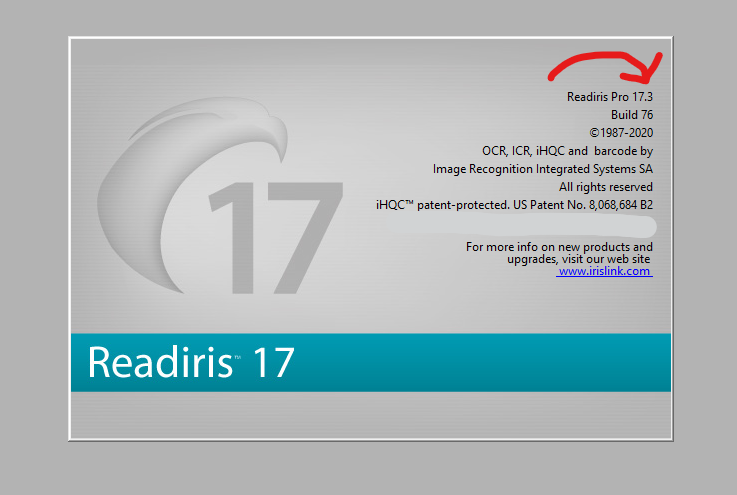
If you have some troubles to install it:
- Download Revo Uninstaller
- Use this software to uninstall Readiris 17
- Download and install the full software via this link: Download
If you discover bugs, problems after you've installed it:
- Download Revo Uninstaller
- Use this software to uninstall Readiris 17
- Download and install the full software via this link: Download
- Do not hesitate to send us a message with the instructions on how to reproduce the issue.




Baptiste Roy
Comments